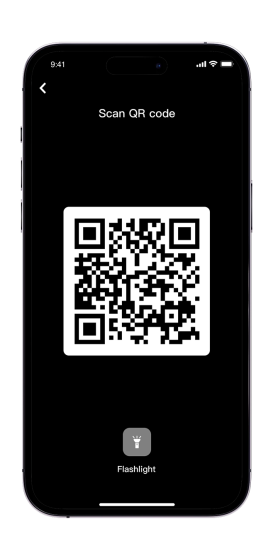
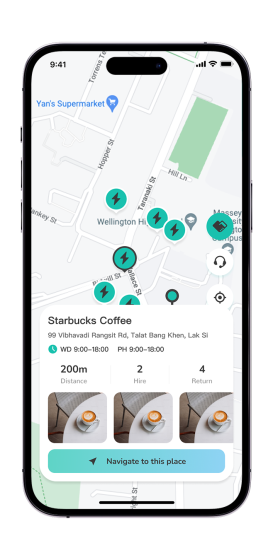
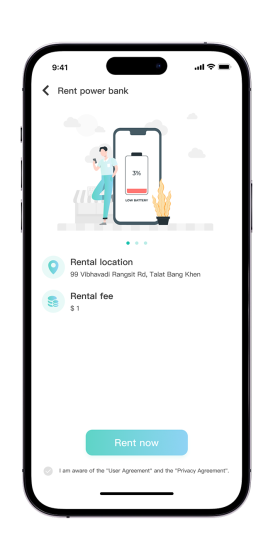
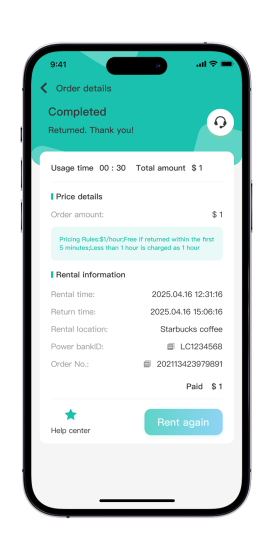
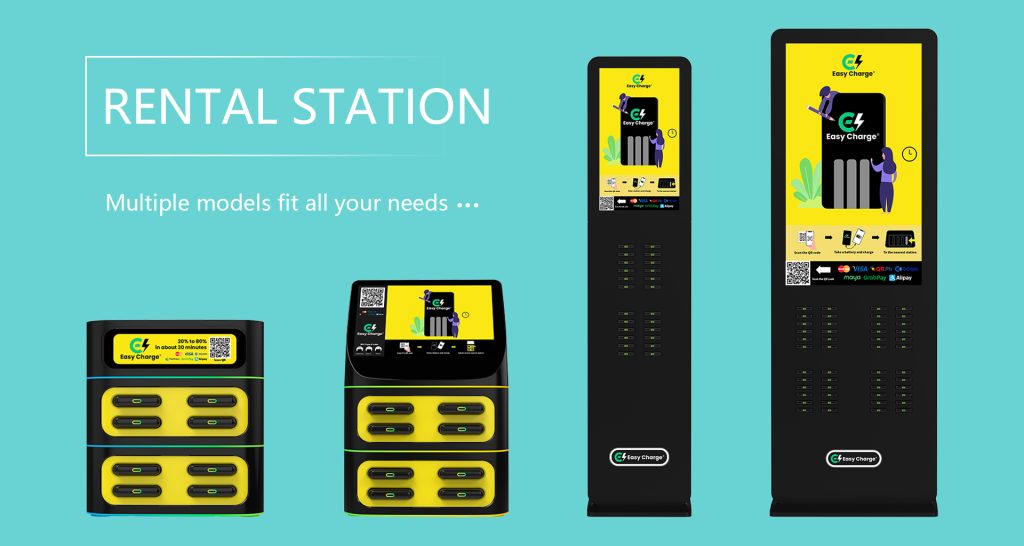
Power Bank Rental Process Charging station locations Find EasyCharge charging stations to rent a power bank. Scan the QR code To rent a power bank, please first scan the QR code at the rental station; if this is your first time renting, please follow the steps to complete registration. Paid Rental Once the rental fee is paid, the power bank will pop out; simply remove it to charge your phone anytime, anywhere. Return power bank Locate an EasyCharge station and return the power bank; the system will automatically calculate the charges and refund the remaining deposit. EasyCharge Rental Station Contact Us Submit Δ
 EchargePower